 Mac · iPhone
Secure Hub
Encrypted notes, files and tasks.
A password-protected vault for notes, documents and tasks on Mac and iPhone. Encrypted on your device, synced privately through your own iCloud or S3 storage.
- End-to-end encrypted
- No developer server
- iCloud or S3
- English & German
Secure Hub is an unlisted app: it won't show up in App Store search, but anyone can install it via these direct links.
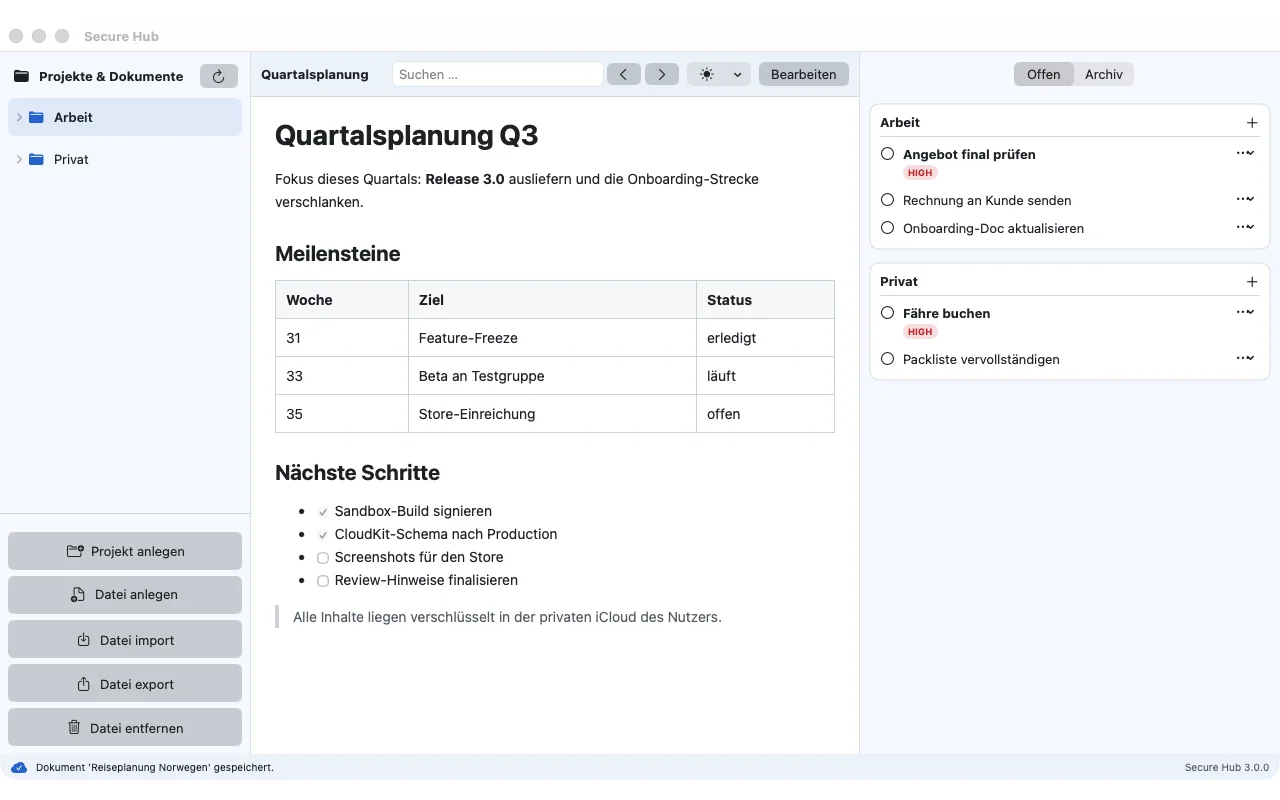
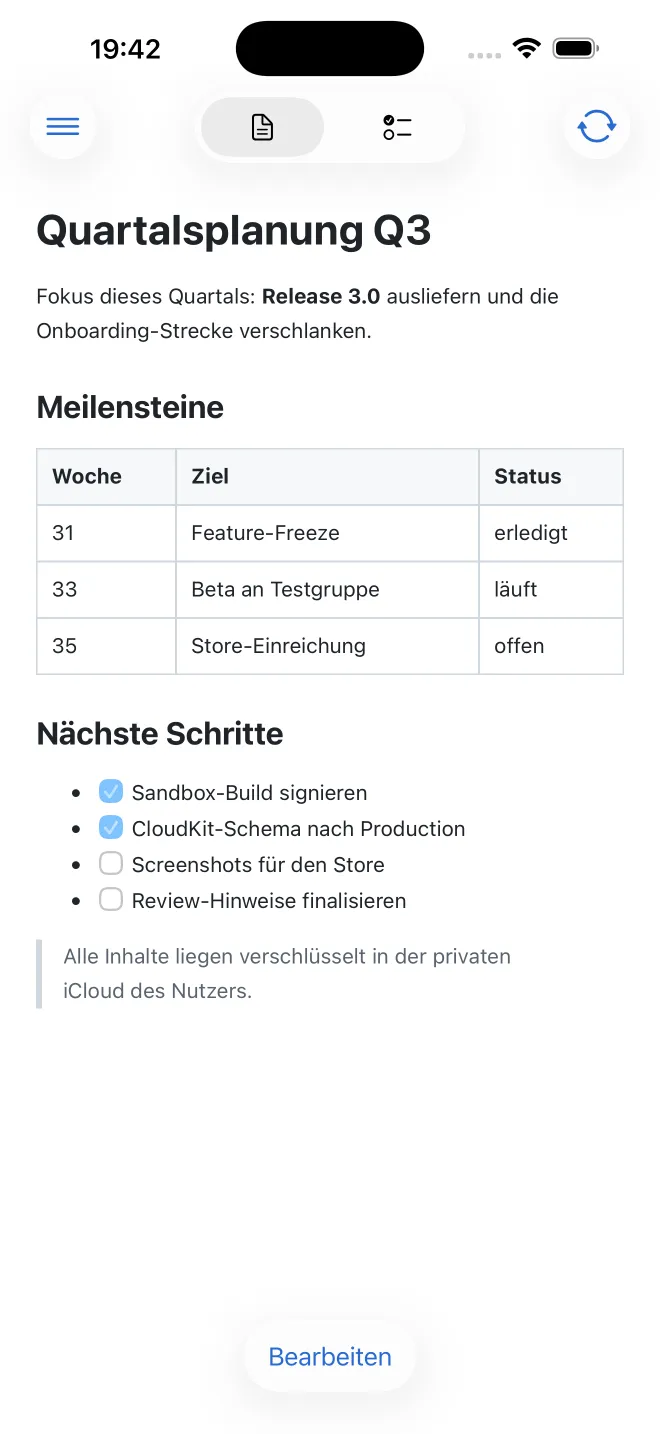
Secure Hub is a place for everything you'd rather keep to yourself: project notes, documents, attachments and to-dos. Everything is encrypted on your device with AES-256-GCM before it is stored or synced. Your password never leaves the device.
Under the hood it's a full notes app: Markdown with live preview and Mermaid diagrams, wiki links and backlinks, tags, templates, a Kanban board, a calendar, a graph of your notes, canvas and drawings. Fully offline, compatible with the Obsidian formats.
Features
Client-side encryption
AES-256-GCM and PBKDF2 with 600,000 iterations. Even file and project names are encrypted.
Private sync
Sync between Mac and iPhone through your private iCloud database or your own S3 bucket.
Notes like Apple Notes
Folders, pinned notes, full-text search, tags and properties in Obsidian-compatible front matter.
Links & backlinks
Link to notes, headings and blocks, embed notes and attachments, see backlinks under every note.
Tasks & board
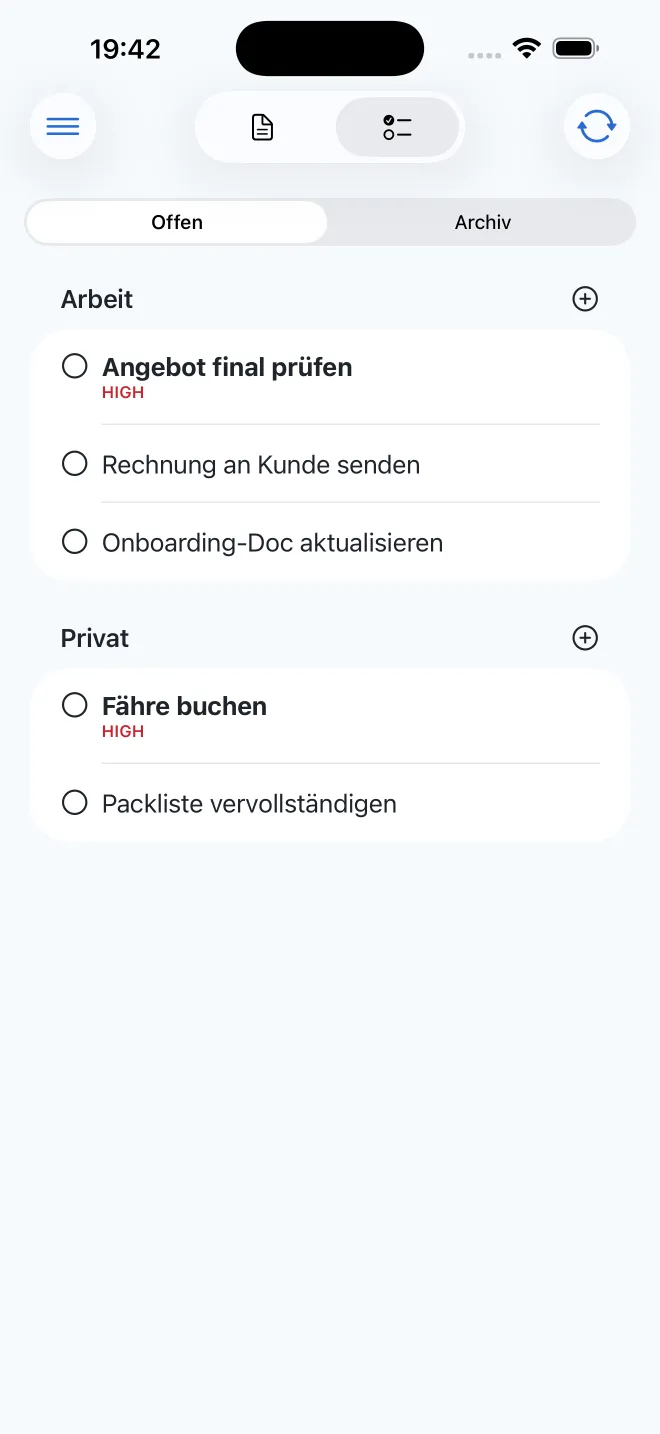
Backlog, in progress, done: with due dates, overdue hints and a drag-and-drop Kanban board.
Calendar & graph
See what was due, created or changed on any day, and explore your notes as a network.
Canvas & drawings
JSON Canvas, offline Excalidraw drawings and mind maps generated from your notes.
PDF & presentations
Export notes as PDF or present them as slides, right from the app.
Snapshots
Automatic local backups every 15 minutes. Restore earlier versions or deleted files.
Optional MCP server
On the Mac, local AI assistants can search your notes. Off by default and restricted to their own notes for writing.
Screenshots
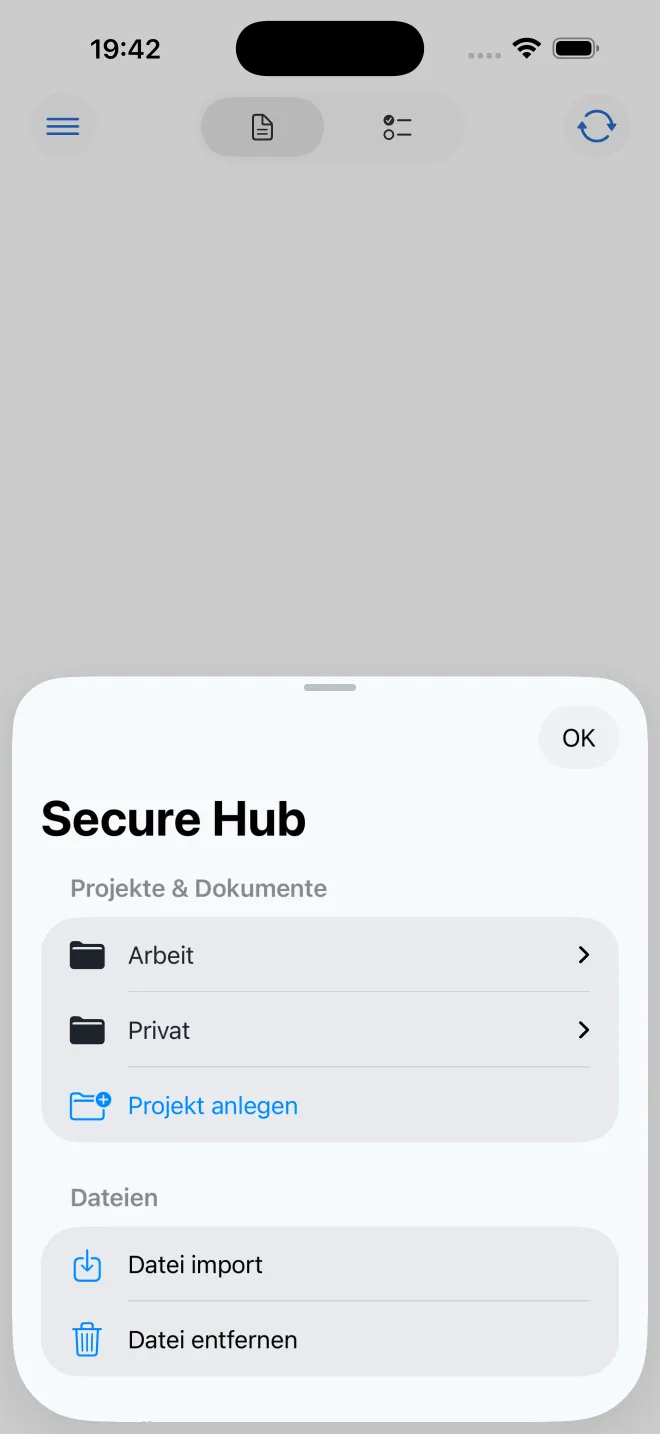
Privacy at a glance
- No account, no server, no analytics
- Encrypted on your device before anything is stored
- Your password is never stored or transmitted
- Only ciphertext reaches iCloud or S3
Requirements
- Mac with Apple silicon and macOS 14 or later
- iPhone with iOS 17 or later
- iCloud or an S3-compatible storage for sync
Help & legal
Questions, a bug, or want to know exactly what happens with your data?